Understanding Facebook Ads

So, your business is set up on social media and that means it is now time to start understanding Facebook ads and learn how to use them effectively. Let us break the Facebook ad process down step by step.
Step 1
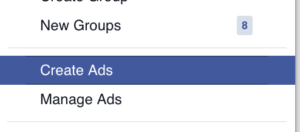
Select “Create Ad” from the drop-down menu on the right-hand side of your screen.
Step 2
Choose Your Objective
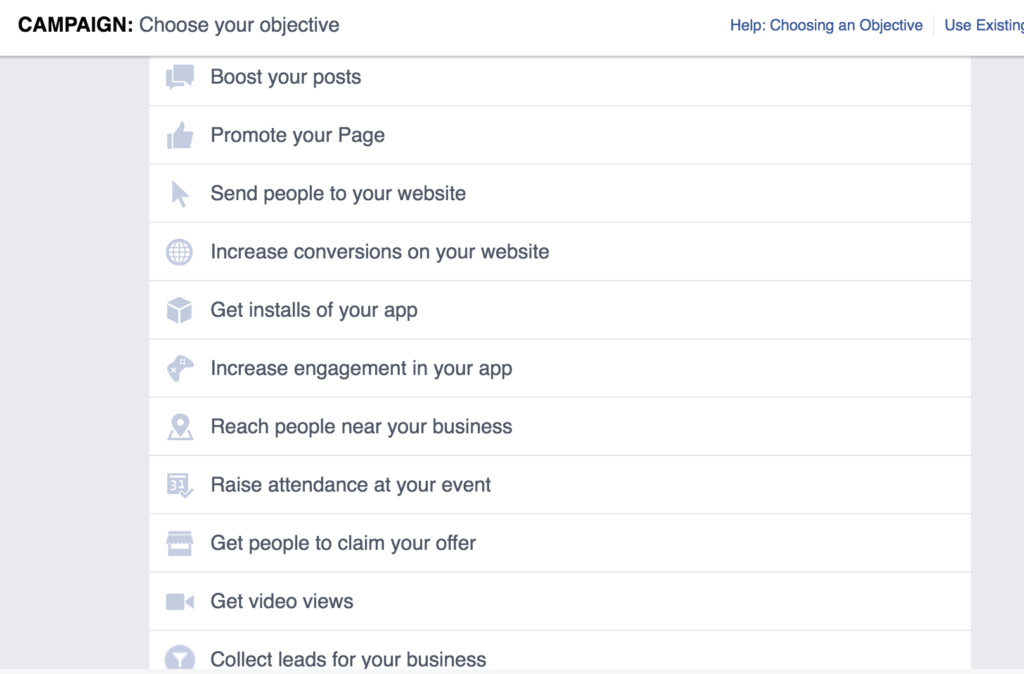
Your objective is what you want your ad to achieve. Before creating an ad be sure you have a clearly defined goal/goals when it comes to Facebook ads.
Step 3

Give your ad set a name – for the sake of this tutorial we are creating an ad to gain more likes. You may select advanced options on this screen and set your campaign spend limit.
Step 4
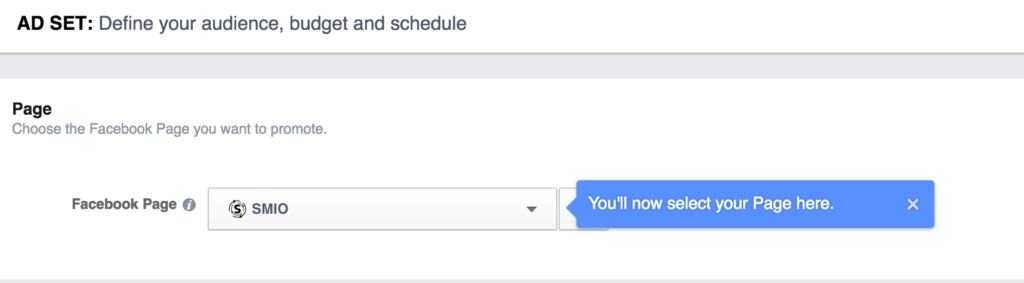
Select audience and budget button. You will then be taken to a screen where you can choose what business page you want to run the ad for.
Step 5
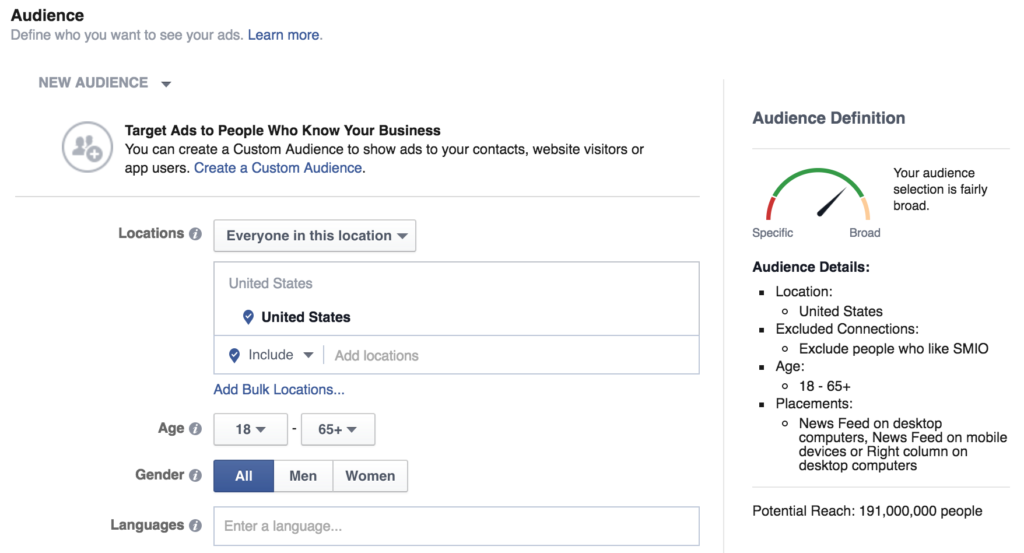
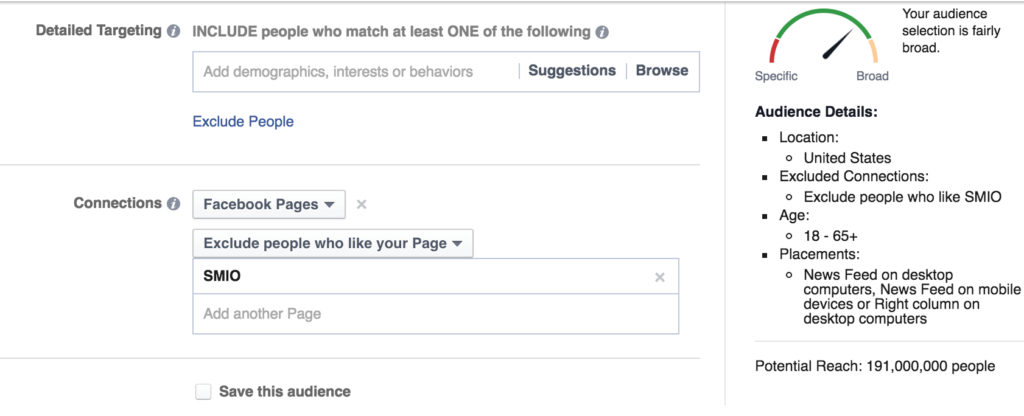
Create your target audience, meaning who you want to see and interact with your ad. There are a number of ways to target your audience and it is very much recommended that you know who your target demographic is before creating the ad. Ways to target include location, gender, age, interests, and connections to your business page. Targeting is extremely important and may require tweaks as you figure out what works and what doesn’t.
You will also notice on the right-hand side of your screen you can see how broad or clearly defined your audience is, potential reach, where the ad will be placed, location, age, and also connection settings.
Step 6

Set your budget – choose a daily budget or lifetime budget.
Schedule your ad – options include running the ad continuously or choose a start and end date.
Bid Amount – you can let Facebook automatically set the bid or you can enter a bid based on how much each page like or action is worth to you. I would recommend setting the bid amount to automatic.
When you get charged – Choose how/when you would like to be charged.
Delivery type – Choose when your ads will be shown – I recommend leaving this at the standard option.
Step 7
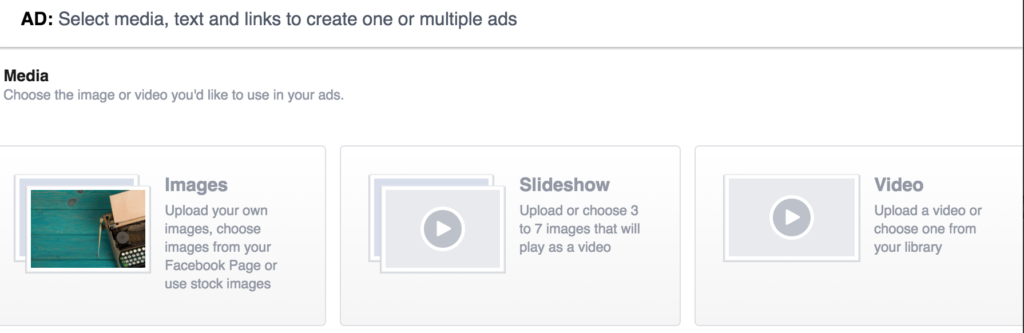
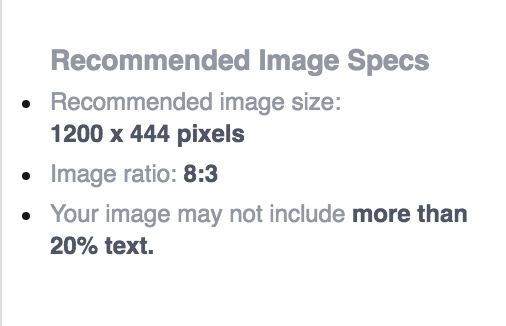
Select your ad creative – options include standard photos, a photo slideshow, or video. Each option will include recommended image specs, video specs, etc. after you select your creative type.
Step 8
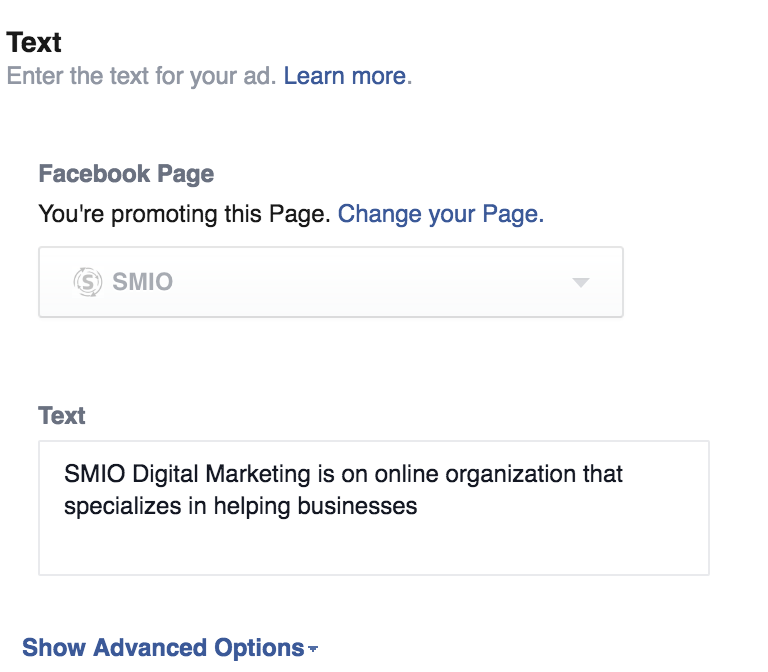
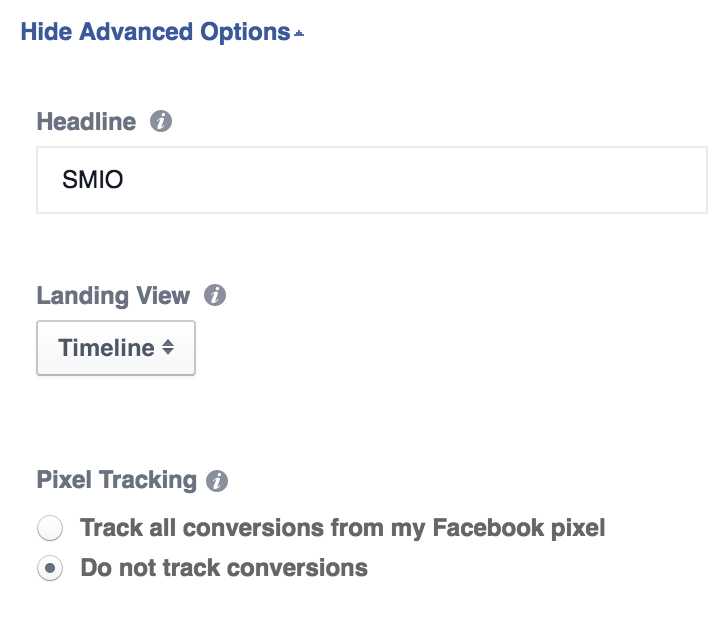
Choose the text to appear with your ad. Select advanced options to select a headline and to apply a pixel tracking code, which is highly beneficial for monitoring conversion on your website. You may also choose a landing page view – which is what your audience will see when they click on your ad.

While you are updating creative or adding text to your ad you will be able to preview the changes. This allows you to see what your ad will look like before it goes live.
Last Step!

Once your ad looks great and you are comfortable with the targeting and budget, place order!
Understanding Facebook Ads – The Forever Changing Process
It is important to understand that Facebook ad guidelines are forever changing, and this is where hiring a social media manager can come in handy! Don’t worry about staying up to date with the changes, let a professional manage all of your social media ads for you, contact us today to learn more.